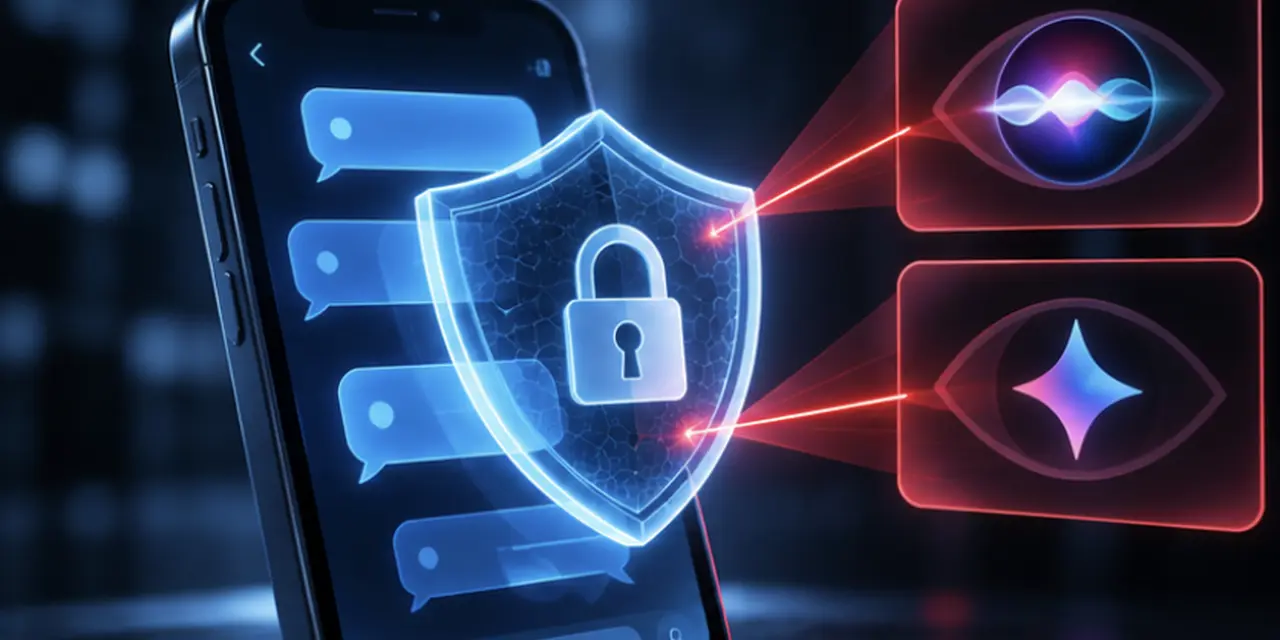
Signal announced on November 20 that it is blocking the AI assistants built into mobile operating systems from reading chats. The app now prevents screen capture of its content on iOS 27 and on supported versions of Android, where Siri AI and Google Gemini can read what is on screen.
On iPhones running iOS 27, a setting called Block Siri AI is on by default in Signal 8.37 and later. On Android, starting with Signal 8.35.1, the equivalent is Screen security, which switches itself on the first time the app detects an AI assistant trying to read the screen. It can also be turned on in advance.
While the protection is active, Signal blocks screenshots and screen recordings, including ones you take yourself, and hides its content in the list of recent apps. The end-to-end encryption of messages is unchanged, and the feature requires no new permissions.
The setting is under Settings → Privacy → Block Siri AI on iPhone, where it can also be lifted for ten minutes, long enough to take a screenshot. On Android it is under Settings → Privacy → App security → Screen security and is either on or off. According to Signal’s support page, an Android user who turns it off from the prompt will find it re-enabled after 90 days; switched off in settings, it stays off.
Why encryption isn’t enough
End-to-end encryption protects messages in transit and on Signal’s servers, but on your own screen the text is already decrypted. The newest OS-level assistants can read what is on screen and use it to answer questions or act in other apps. A screenshot, a screen recording or extracted text can then pass to parts of the OS outside Signal’s control.
Signal has been here before: last year it stopped Microsoft’s Recall from capturing its chats on Windows 11. Nothing in the new announcement suggests Siri or Gemini has already harvested Signal conversations. The company is acting pre-emptively, before screen reading becomes a default assistant feature.
What it doesn’t cover
“Our remedy is also incomplete,” Signal’s Meredith Whittaker wrote. Blocking screenshots does nothing about other routes, such as an assistant retrieving content already on the device through the filesystem, or third-party agents that lean on accessibility permissions. Signal also says it cannot reliably block screenshots on macOS.
The company is calling on Apple, Google and Microsoft to give developers a documented way to keep AI assistants out of sensitive screens without making users give up ordinary screenshots.
Have a story? Become a contributor.
We work with independent researchers and cybersecurity professionals. Send us a tip or submit your article for editorial review.