


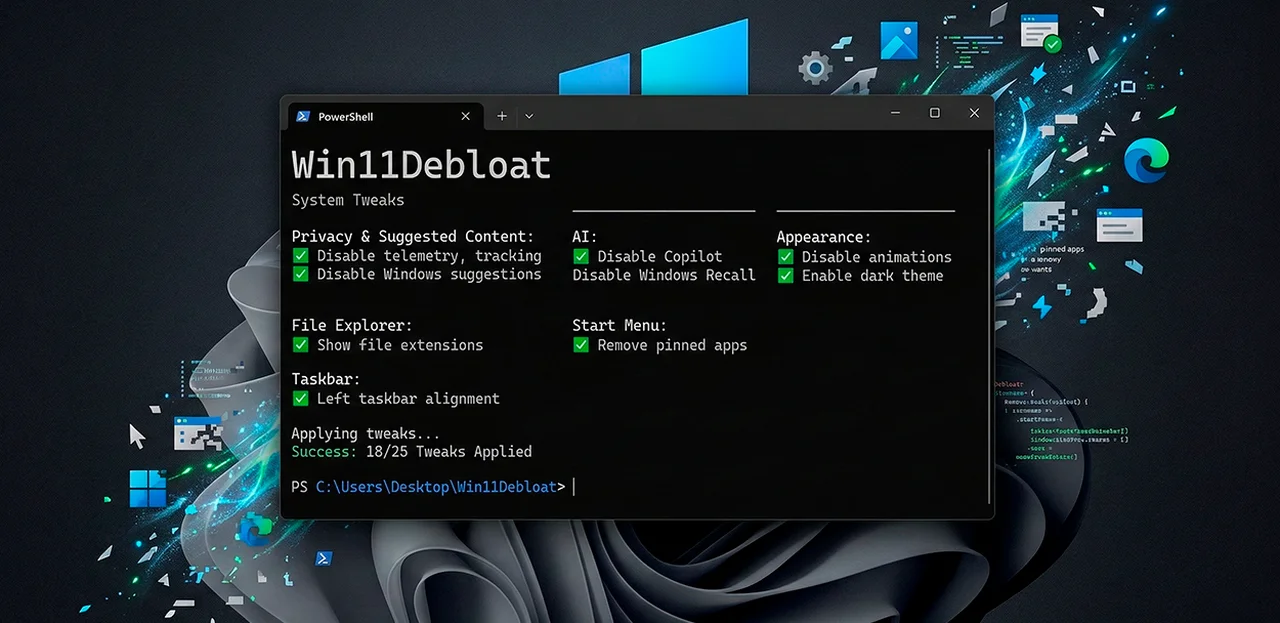
Win11Debloat, an open-source PowerShell script that removes preinstalled bloatware, disables telemetry, and strips AI features from Windows 10 and 11, has reached 40,500 stars and 1,600 forks on GitHub. In February 2026, developer Jeffrey (known on GitHub as Raphire) shipped the project's biggest update: a full graphical interface built with the WPF framework. The script requires no installation and no dependencies beyond PowerShell itself.
"This is a big one, for quite a while people have requested a proper graphical UI for Win11Debloat," Raphire wrote in the February 1 release notes. "Today it's finally here!"
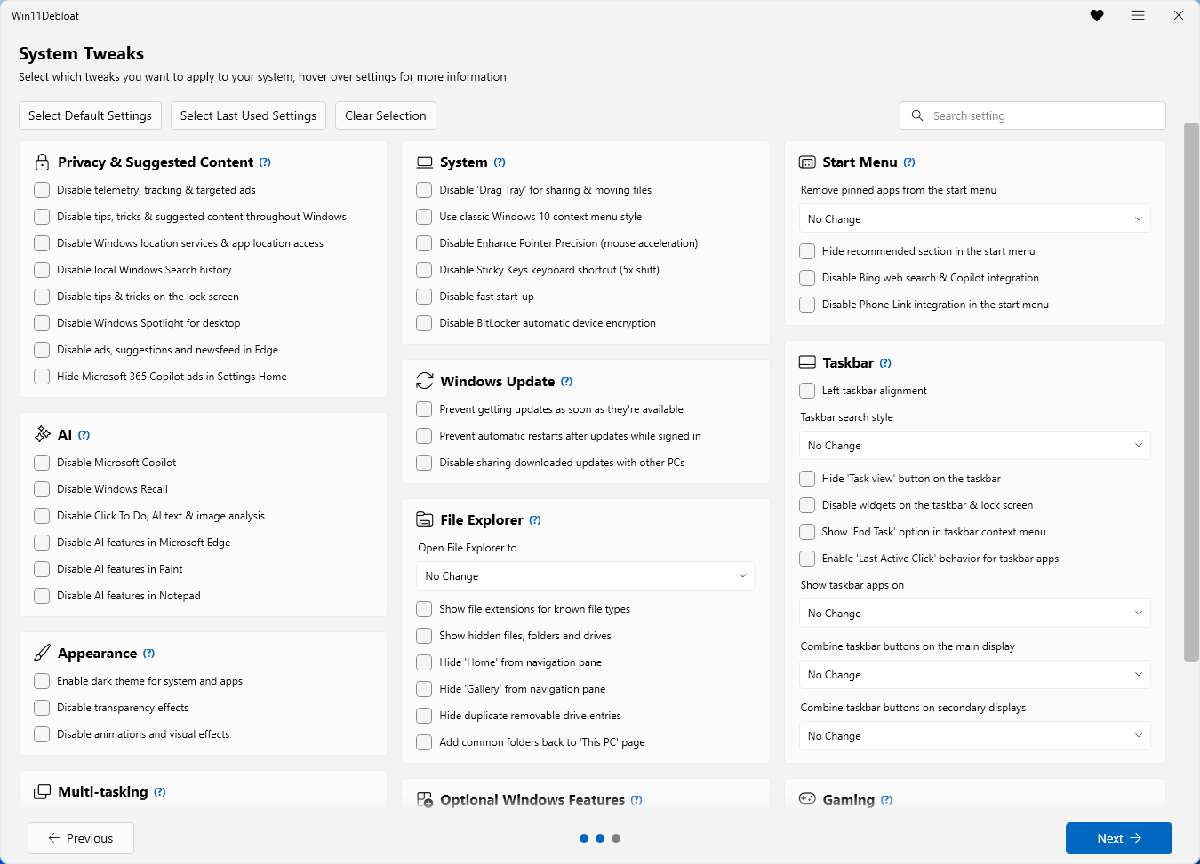
The GUI groups all settings into categories with a search bar, tooltips, and a prompt to create a system restore point before applying changes. The old text-based menu still works — launch the script with the -CLI flag. Nine releases followed between February 1 and February 19, adding Windows Update management, a BitLocker encryption toggle, forced Microsoft Edge removal, and options to enable Windows Sandbox and WSL (Windows Subsystem for Linux). The latest, 2026.02.19, fixed a bug in the Edge removal dialog and updated the winget package manager check.
A fresh Windows 11 install in 2026 comes loaded with Copilot, Recall, Click to Do, Bing web search baked into the taskbar, Start menu ads, widgets, and dozens of apps no one asked for: Candy Crush, TikTok, Instagram, Spotify, Netflix, Clipchamp. Win11Debloat removes more than 60 of them in a single run. By default, it leaves system utilities intact — Calculator, Camera, Photos, Notepad, Terminal, Paint, and Microsoft Store. That last exception is critical: removing the Store breaks reinstallation of other apps, and there is no clean way to get it back.
Telemetry and tracking form a separate block. The script disables diagnostic data collection, activity history, app-launch tracking, targeted advertising, and interface suggestions. Location services, local search history, Windows Spotlight on the desktop and lock screen, the MSN news feed in Edge — each toggles off individually.
Microsoft's AI features get their own category: Copilot, Recall, Click to Do, Bing AI in search, Cortana, and AI additions to Edge, Paint, and Notepad. For users who want all of it gone without manually editing the Windows registry, the script handles it through checkboxes.
Technology journalist Paul Thurrott, who featured Win11Debloat in his upcoming book De-Enshittify Windows 11, called the tool "flexible and granular, so you can eliminate the parts of Windows 11 that you despise while retaining those you value." In a hands-on review, Thurrott noted that the script now downloads and runs on the fly from a single PowerShell command — no longer requiring users to first disable Windows 11's script execution block manually.
Interface tweaks round out the feature set. Left-aligned taskbar, the classic right-click context menu (replacing Windows 11's truncated version), hidden file and extension visibility in Explorer, widget removal, dark theme, disabled animations, mouse acceleration control. OneDrive integration and Explorer's Gallery view can be turned off as well.
For sysadmins, Win11Debloat supports Sysprep mode: changes apply to the Windows Default user profile, so every new account on the machine inherits the clean configuration automatically. Two command-line flags make unattended deployment possible — -RunDefaults applies the recommended preset with app removal, -RunDefaultsLite does the same but skips app removal. Both work with SCCM, Intune, and similar management tools. According to DarkWebInformer, which reviewed the project on March 4, 2026, the combination of safe defaults and command-line automation makes Win11Debloat "the most battle-tested debloating script in the Windows ecosystem."
Every change is reversible. Registry entries roll back, removed apps (except Microsoft Store and Xbox Speech-to-Text Overlay) can be reinstalled from the Store, and the project wiki documents the full rollback process. One caveat: major Windows feature updates can undo the work — reinstalling removed apps, re-enabling telemetry, resetting interface preferences. After each big update, the script needs to run again.
Win11Debloat does not harden Windows against attacks. No firewall rules, no security policies, no vulnerability patching. Its scope is bloatware removal, privacy settings, and interface cleanup, nothing more. The project is licensed under MIT, with 344 commits and 23 contributors as of March 2026. The script is available at github.com/Raphire/Win11Debloat.